Start with C
- There are several steps to get camera data:
Create a camera instance.
Get camera resources
Start the camera.
Request a frame.
Get Depth Data or Intensity Data from frame
Release frame to buffer queue
Stop the camera’s image acquisition thread
Close the camera to free up resources
example
#include "ArducamDepthCamera.h"
#include <stdio.h>
#include <stdlib.h>

int main()
{
    ArducamDepthCamera tof = createArducamDepthCamera();
    ArducamFrameBuffer frame;
    if (arducamCameraOpen(tof, CSI, 0)) {
        printf("Failed to open camera\n");
        return -1;
    }

    if (arducamCameraStart(tof, DEPTH_FRAME)) {
        printf("Failed to start camera\n");
        return -1;
    }

    ArducamCameraInfo info = arducamCameraGetInfo(tof);
    printf("open camera with (%d x %d)\n", (int)info.width, (int)info.height);

    uint8_t* preview_ptr = malloc(info.width * info.height * sizeof(uint8_t));
    ArducamFrameFormat format;
    for (;;) {
        if ((frame = arducamCameraRequestFrame(tof, 200)) != 0x00) {
            format = arducamCameraGetFormat(frame, DEPTH_FRAME);
            float* depth_ptr = (float*)arducamCameraGetDepthData(frame);
            float* confidence_ptr = (float*)arducamCameraGetConfidenceData(frame);

            printf("frame: (%d x %d)\n", (int)format.width, (int)format.height);

            arducamCameraReleaseFrame(tof, frame);
        }
    }

    if (arducamCameraStop(tof)) {
        return -1;
    }

    if (arducamCameraClose(tof)) {
        return -1;
    }

    return 0;
}
Note
For specific function usage details, please refer to the API
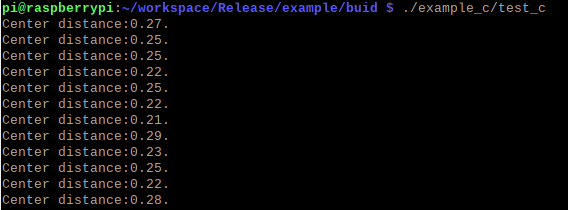
Test Results